mirror of https://github.com/docker/docs.git
1022 B
1022 B
| title | description | keywords |
|---|---|---|
| License your installation | Learn how to license your Docker Universal Control Plane installation. | Universal Control Plane, UCP, install, license |
After installing Docker Universal Control Plane, you need to license your installation. Here's how to do it.
Download your license
Go to Docker Store and download your UCP license, or get a free trial license.
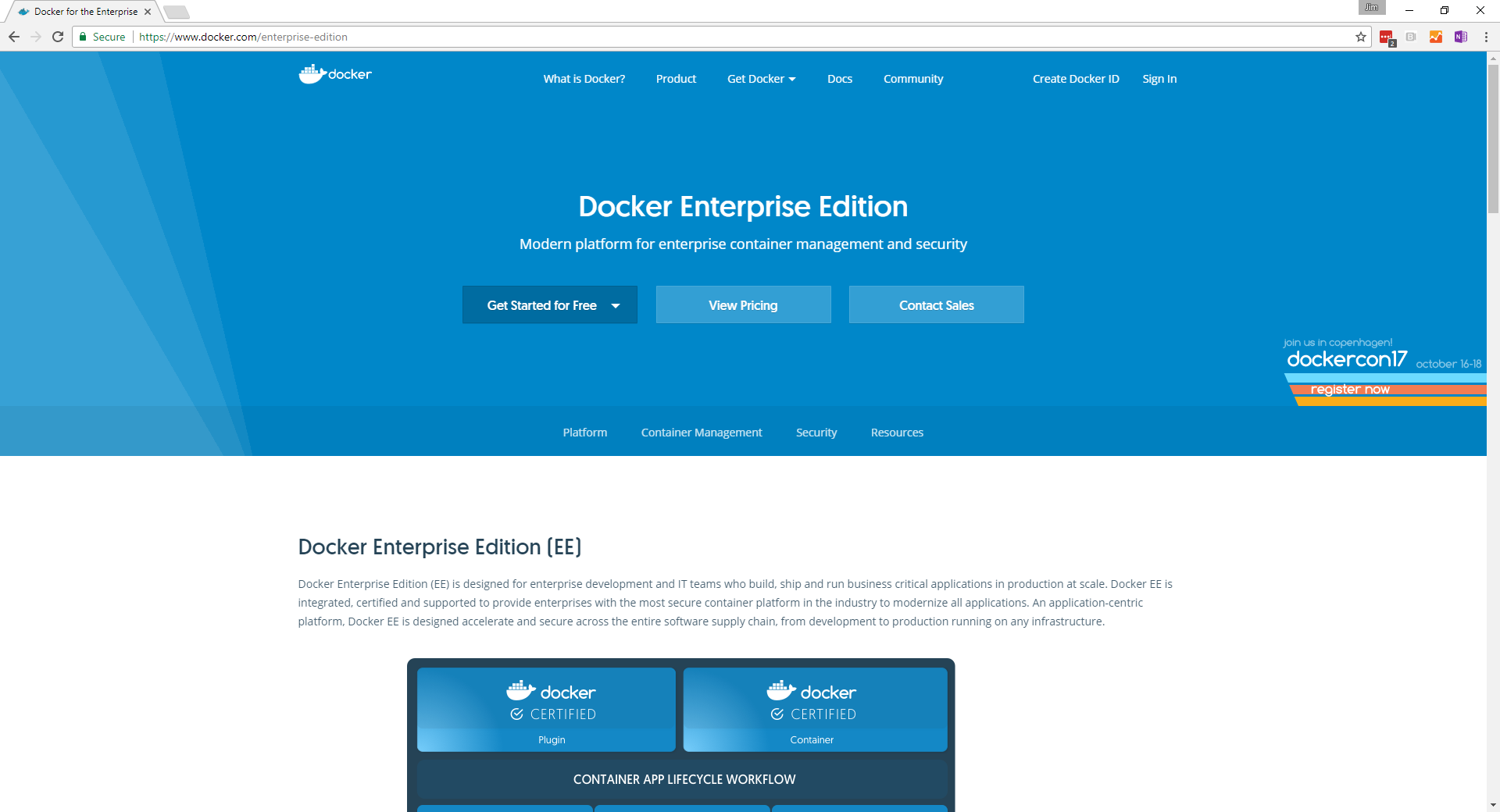 {: .with-border}
License your installation
Once you've downloaded the license file, you can apply it to your UCP installation.
In the UCP web UI, log in with administrator credentials and navigate to the Admin Settings page.
In the left pane, click License and click Upload License. The license refreshes immediately, and you don't need to click Save.
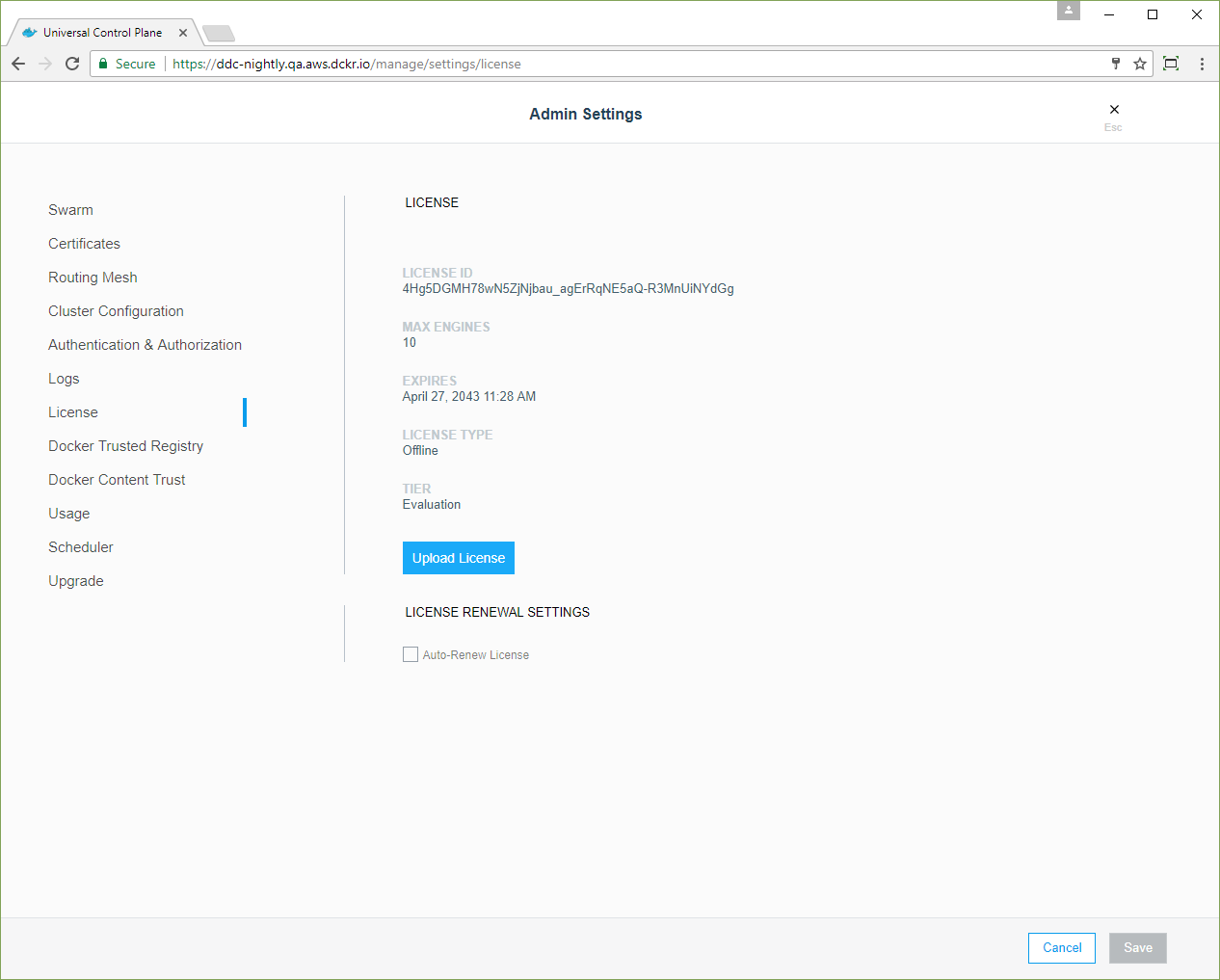 {: .with-border}