mirror of https://github.com/docker/docs.git
938 B
938 B
| title | description | keywords |
|---|---|---|
| Reset a user password | Learn how to recover your Docker Datacenter credentials. | ucp, authentication |
User passwords
Docker EE administrators can reset user passwords managed in UCP:
- Log in to UCP with administrator credentials.
- Click Users under User Management.
- Select the user whose password you want to change.
- Select Configure > Security.
- Enter the new password, confirm, and Save.
Users passwords managed with an LDAP service must be changed on the LDAP server.
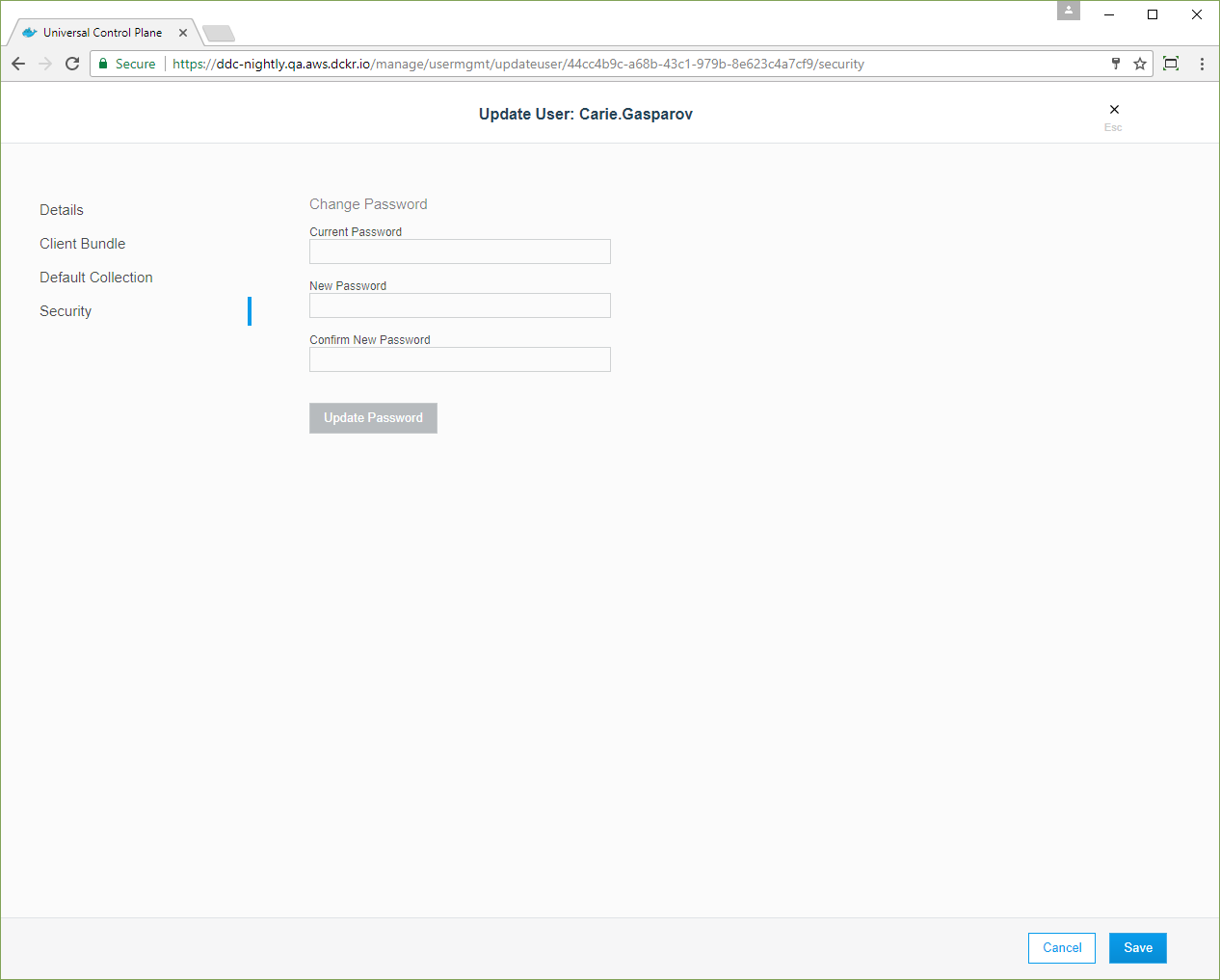 {: .with-border}
Administrator passwords
Administrators who need a password change can ask another administrator for help or use ssh to log in to a manager node managed by Docker EE and run:
{% raw %}
docker exec -it ucp-auth-api enzi \
  "$(docker inspect --format '{{ index .Args 0 }}' ucp-auth-api)" \
  passwd -i
{% endraw %}