mirror of https://github.com/docker/docs.git
1.1 KiB
1.1 KiB
| title | description | keywords |
|---|---|---|
| Allow users to pull images | Learn how to grant permissions for users to pull images into a cluster managed with Docker Enterprise Edition. | ucp, grant, images |
By default only admin users can pull images into a cluster managed by UCP.
Images are a shared resource, as such they are always in the swarm collection.
To allow users access to pull images, you need to grant them the image load
permission for the swarm collection.
As an admin user, go to the UCP web UI, navigate to the Roles page,
and create a new role named Pull images.
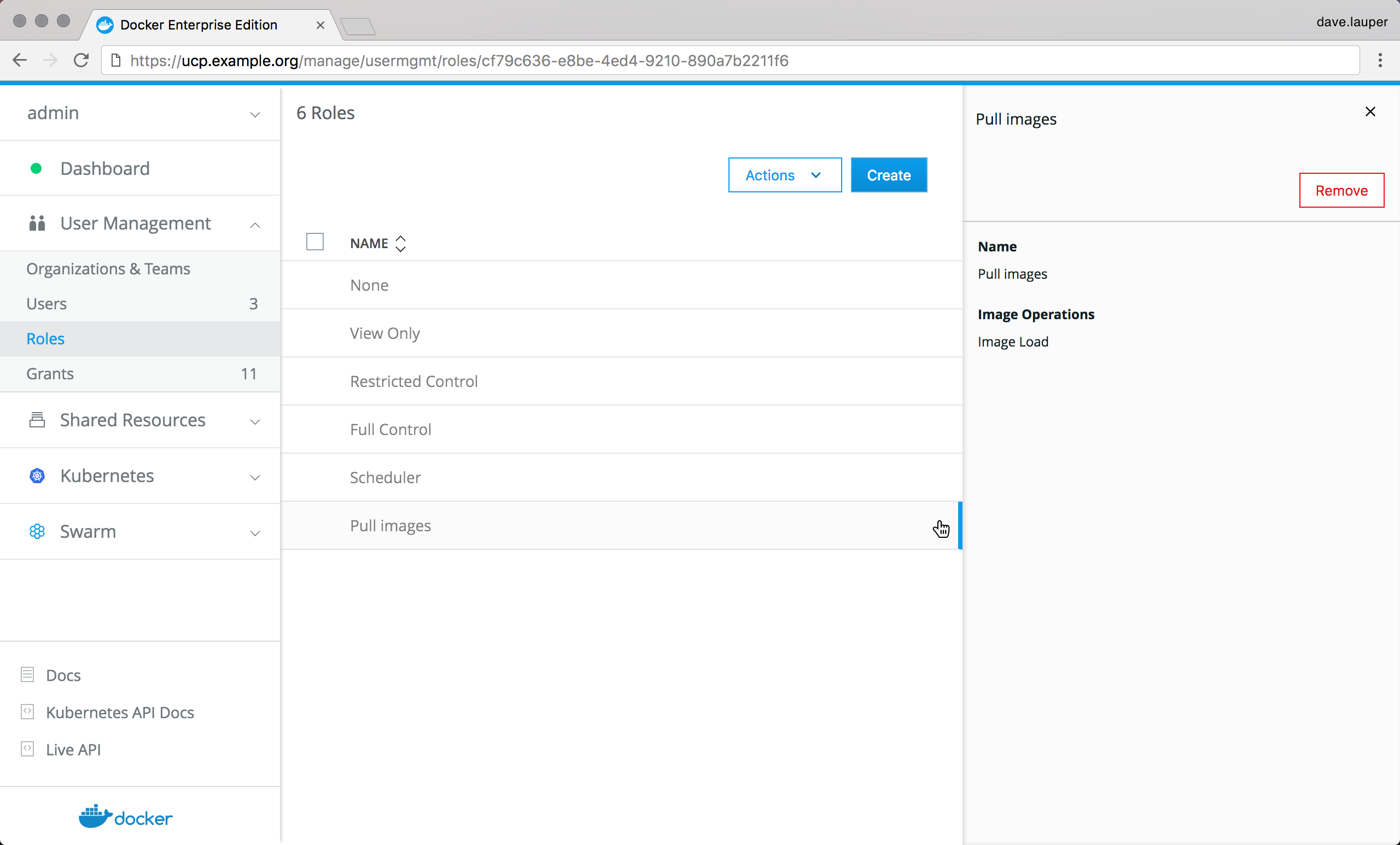 {: .with-border}
Then go to the Grants page, and create a new grant with:
- Subject: the user you want to be able to pull images.
- Roles: the "Pull images" role you created.
- Resource set: the
swarmcollection.
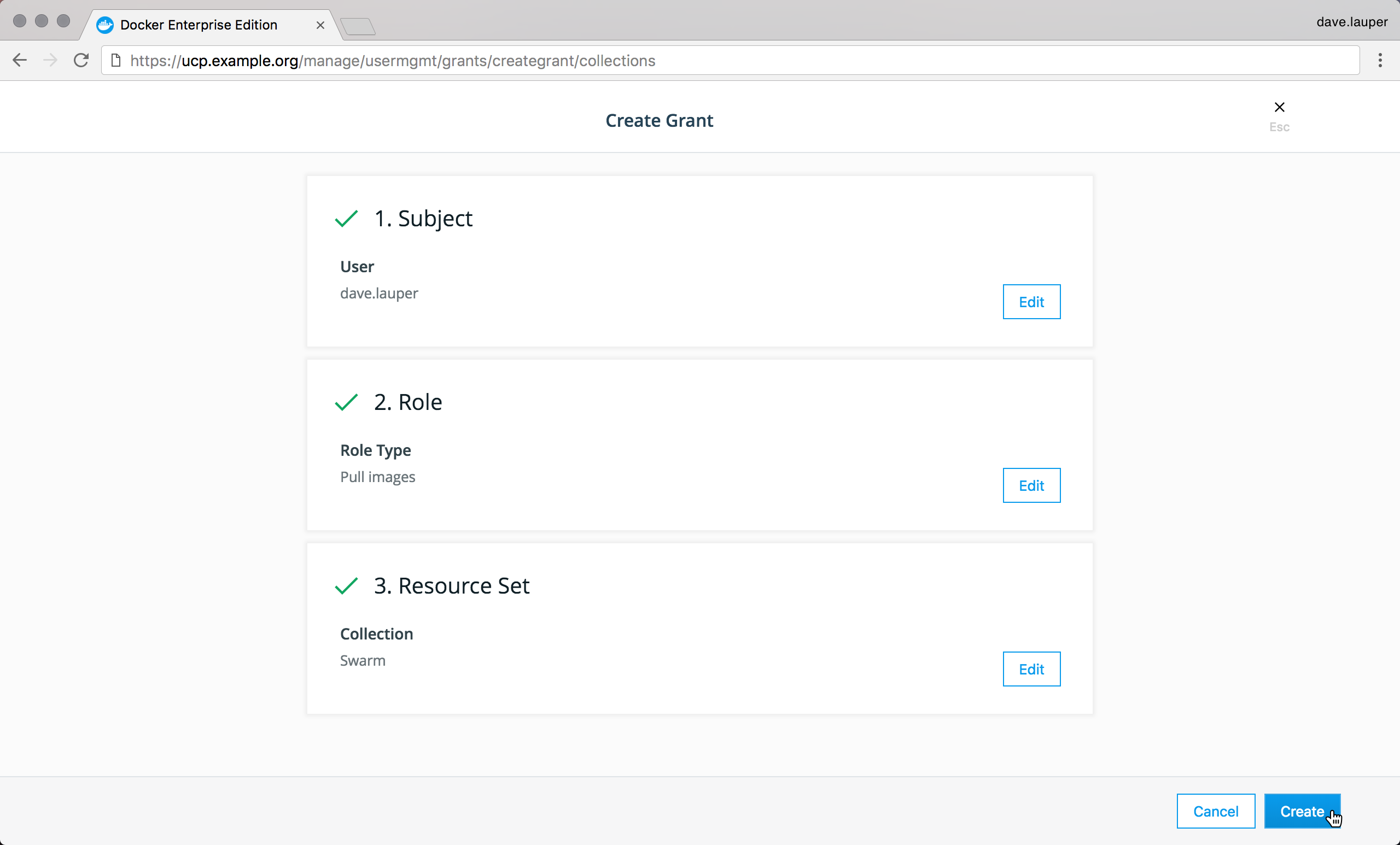 {: .with-border}
Once you click Create the user is able to pull images from the UCP web UI or the CLI.